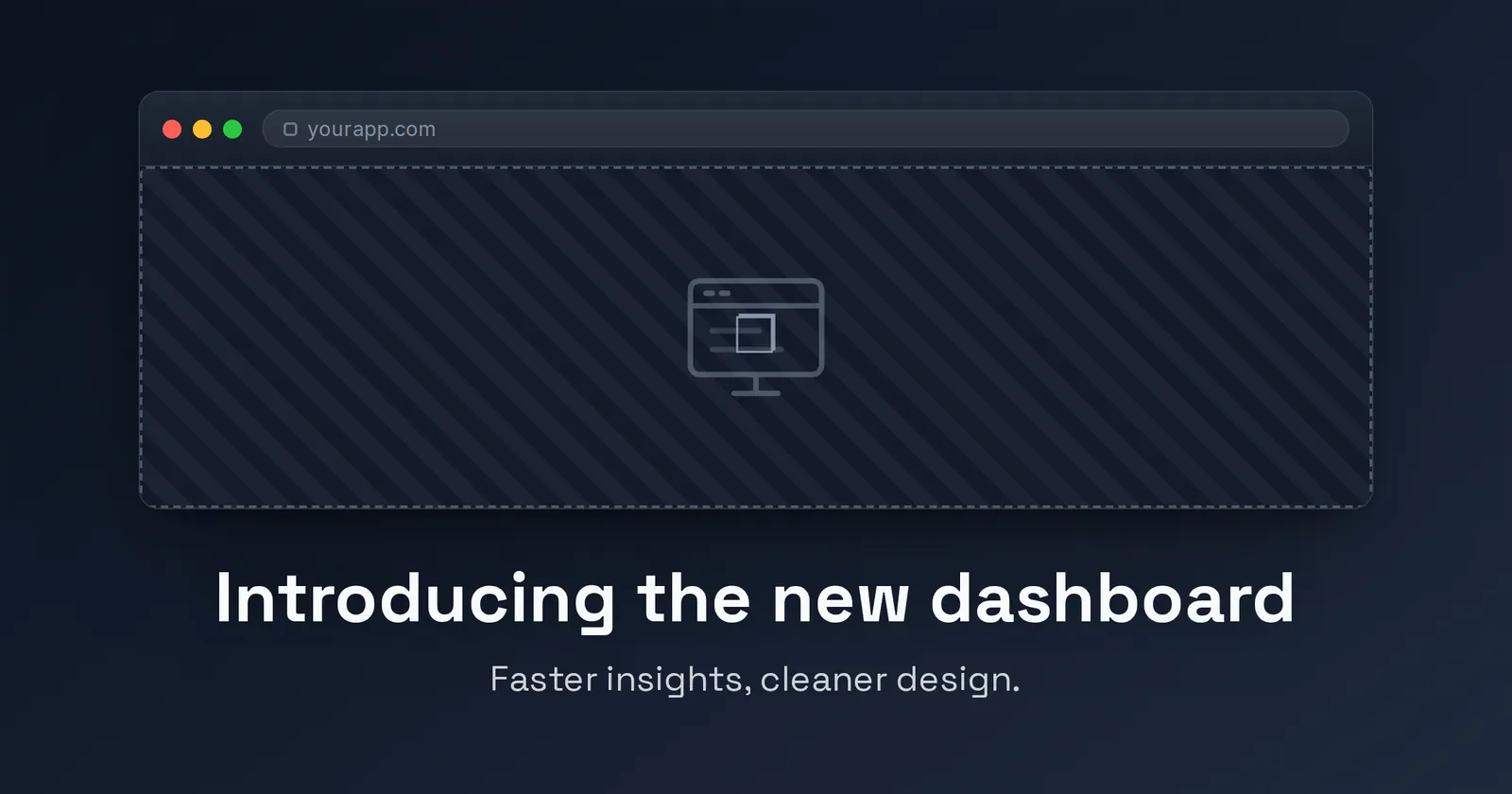
Product template
Device Frame Open Graph image template
Embed a screenshot inside a browser or phone frame with depth, a title, and a caption.
It's built for the standard 1200×630 (1.91:1) share card and exports at 2× (2400×1260) for high-DPI screens. Customize the text, colors, fonts, and logo in your browser, then download a PNG — free, no signup, nothing uploaded.
4 ready-made presets
Each preset is a one-click starting look for the Device Frame template — a different color and type combination you can still fully edit.
What you can edit
The Device Frame template has 3 editable content fields. Recommended lengths keep your copy inside the safe area so nothing clips when the card is cropped.
| Field | Type | Max length | Example |
|---|---|---|---|
| Title* | Single line | 60 chars | Introducing the new dashboard |
| Screenshot | Image | — | Upload a screenshot |
| Caption | Multi-line | 80 chars | A short supporting line |
* required field. Tip: keep your “Title” short and punchy — the shorter the copy, the larger and more legible it renders in the feed.
Styling you control
Beyond the words, the Device Frame template lets you tune:
- Background color & style
- Gradient fills
- Background image
- Fonts, size & alignment
- Logo placement
- Platform size switching
- Vignette
When to use it
The Device Frame template lives in the product collection — make launches and features look like a real product. Reach for it specifically when one of these fits:
- A product or feature launch
- A pricing or plan announcement
- A SaaS landing page
- A changelog or release note
See the full product template collection or read Best OG templates for SaaS launches.
More product templates
Make your device frame card now
Free, private, and 100% in your browser — no signup, no watermark, nothing uploaded.
Open in the editor