The free, private Open Graph image generator
Pick a template, tweak the text, colors, and logo, then download a crisp social share image — no signup, no watermark, and nothing ever leaves your browser.
Open Graph · X / Twitter · LinkedIn · Facebook · Square




Why FreeOGImage
A privacy-first generator with zero friction
Designer templates, pixel-exact exports, and not a single account prompt.
Private by architecture
Every pixel renders in your browser. No uploads, no servers, no accounts — your text and images never leave your machine.
Designer-made templates
Hundreds of layouts with named presets and deep controls — backgrounds, grids, typography, logos, and effects.
Pixel-exact exports
Download crisp PNGs at 2× for any platform — Open Graph, X, LinkedIn, Facebook, and Square — at the precise dimensions.
No signup, no watermark
No email, no trial, no “upgrade to remove the badge.” Make a card, download it, ship it. Free, today and tomorrow.
How it works
A polished card in under 60 seconds
Three steps from blank to shipped — no learning curve.
Pick a template
Start from a look that fits your brand or vibe.
Make it yours
Edit text, swap backgrounds, drop in your logo.
Download
Grab a crisp PNG at the exact platform size. Done.
Templates
Start from a template
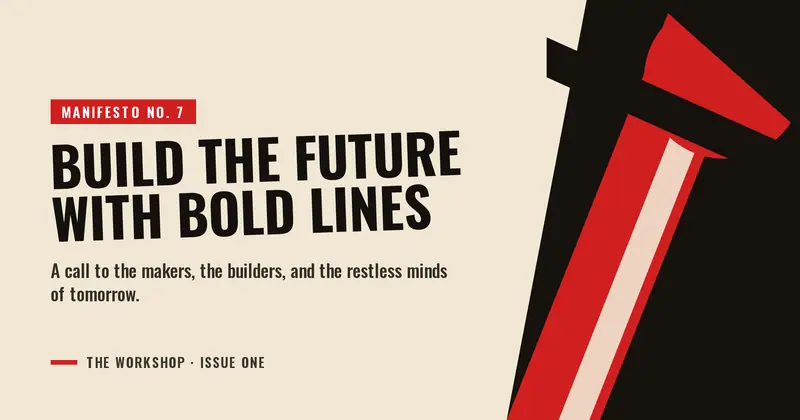
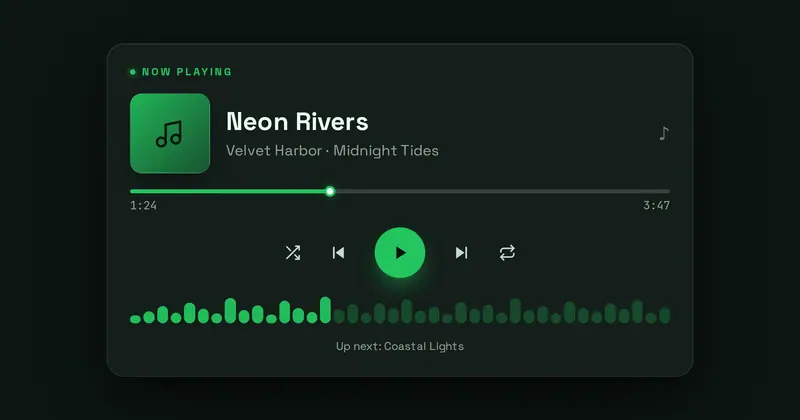
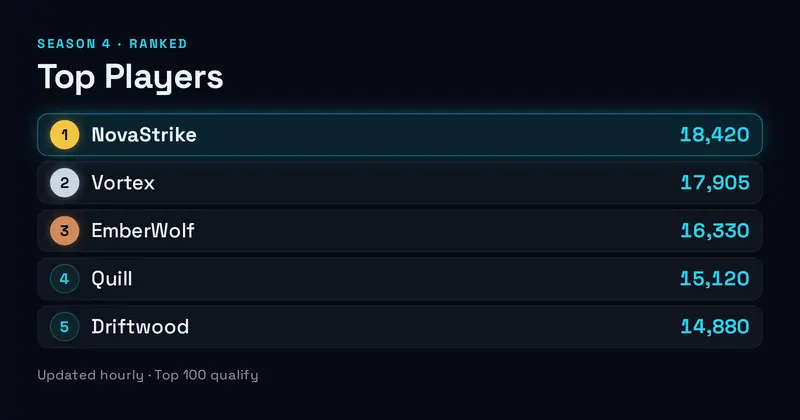
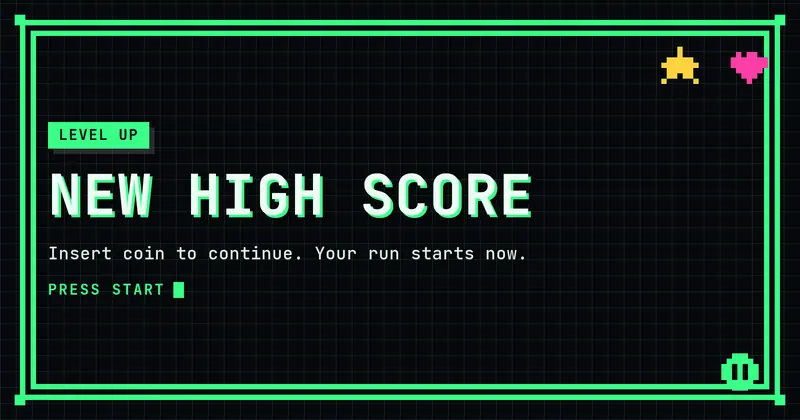
224 layouts across product, social, dev, gaming, editorial, and more.

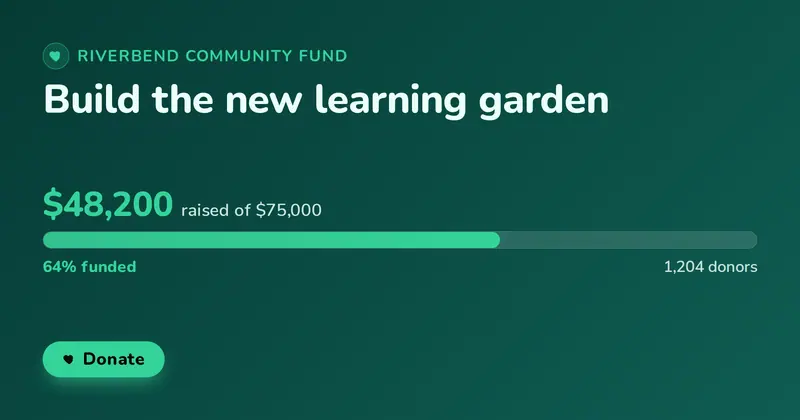
Product Launch
A launch announcement with a 'New' badge, bold title, subtitle, CTA chip, and an optional product image.

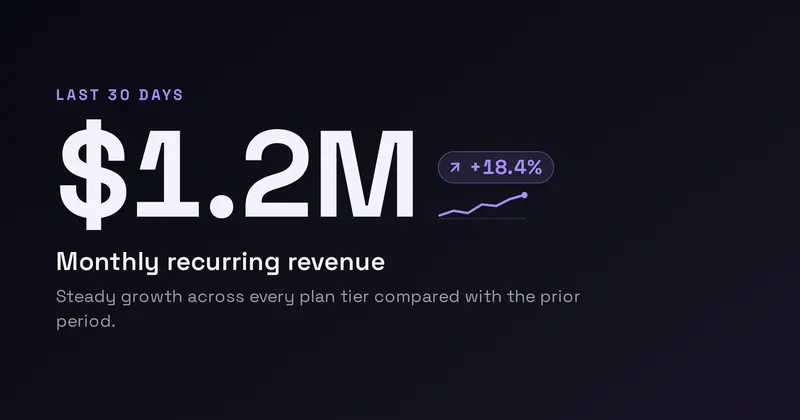
SaaS Dark
A sleek dark SaaS hero: a product lockup with an app icon (your uploaded icon/logo, or a letter-mark fallback) and a New badge, a bold value headline, a subtitle, a feature dot-list, and a Start CTA, beside a drawn dashboard widget (a mini area chart + two KPI tiles).
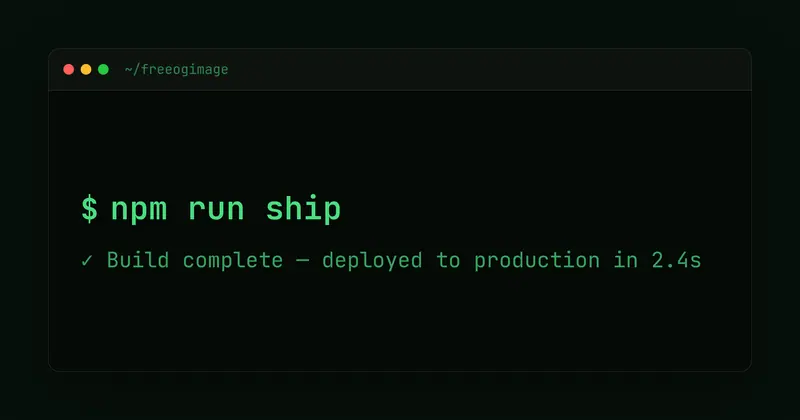
Dark Terminal
Terminal/IDE aesthetic with monospace type, window chrome, and a neon prompt.
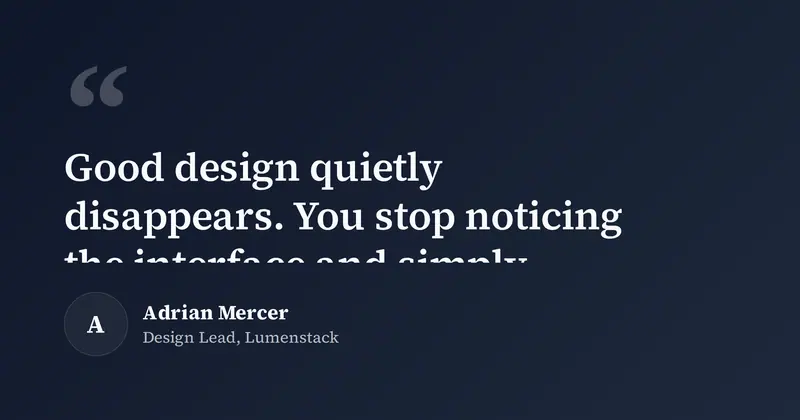
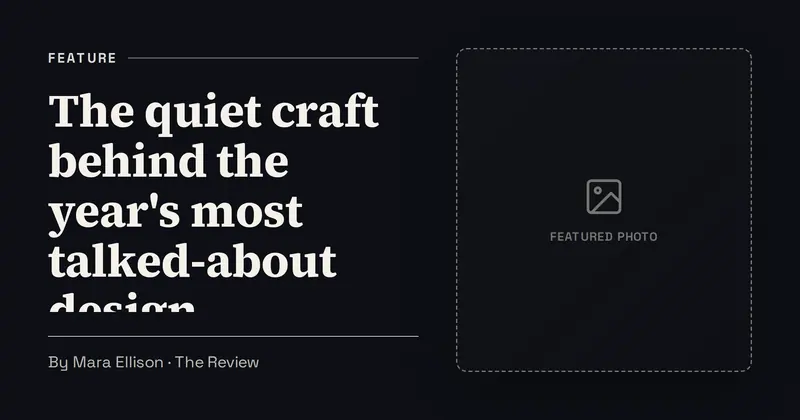
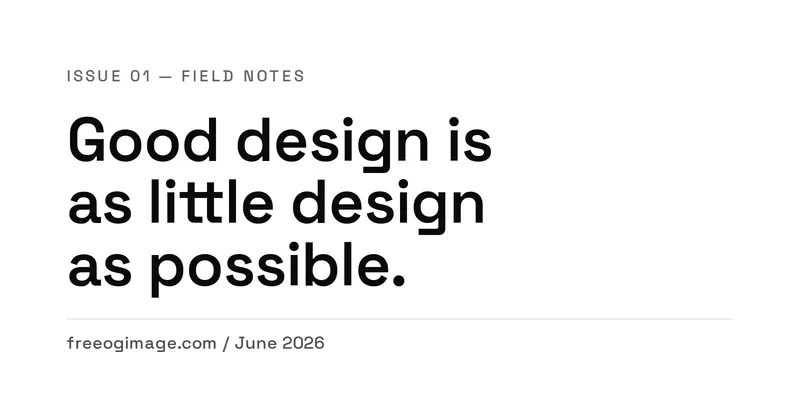
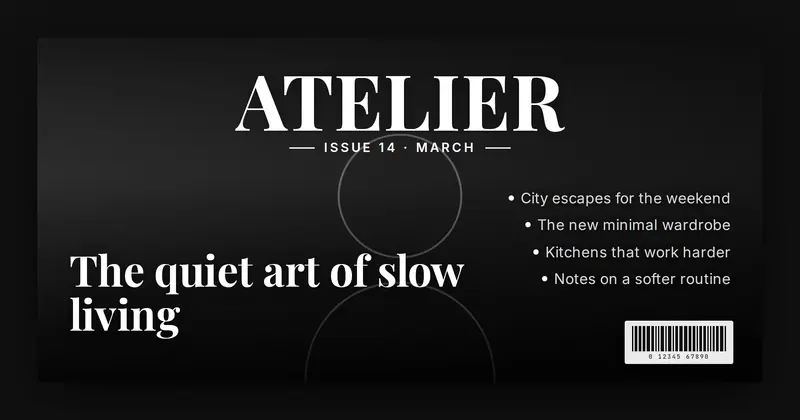
Minimal Type
Whitespace-forward Swiss editorial layout with a tiny eyebrow, a very large headline, and a quiet footer line.
Add Open Graph images in 3 steps
A clean link preview takes minutes. Make the image, paste a few tags, and test before you publish.
- 1
Make the image
Design a 1200×630 card from a template and export a crisp PNG — free, no signup.
Open the editor → - 2
Add the meta tags
Drop the og:title, og:description, and an absolute https og:image into your page head.
See the snippets → - 3
Test before you ship
Preview every platform card and validate your tags — all in your browser.
Check your tags →
Privacy isn't a setting. It's the architecture.
FreeOGImage has no backend. Your text and images are processed entirely in your browser and saved only to this device's local storage. There is no server to leak.