7 templates
Jobs Open Graph image templates
Hiring posts and open-to-work cards that get noticed.
Recruiting happens in the feed now, and a plain text link gets lost. These templates make a role, a hiring push, or an open-to-work announcement look like a real opportunity — clear title, company, and the one detail that makes someone apply.
Great for:
- A single job posting
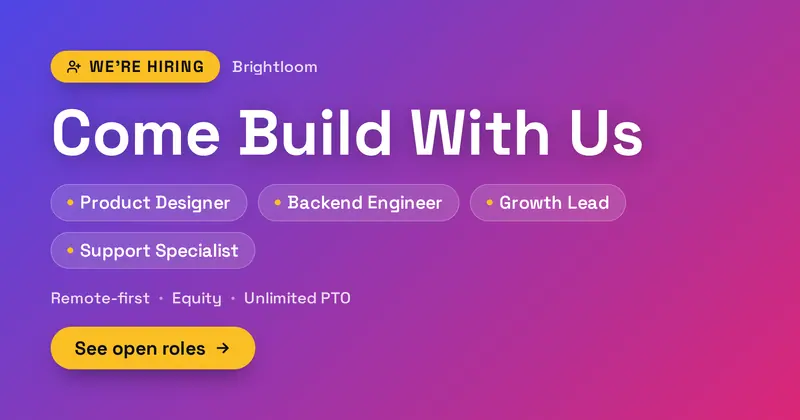
- A 'we're hiring' multi-role card
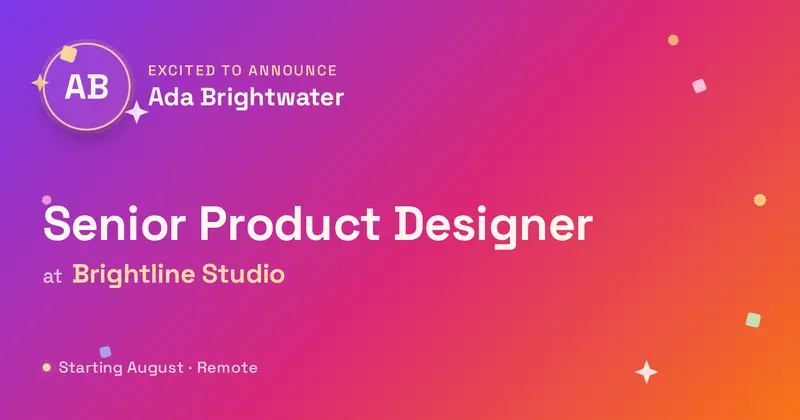
- An open-to-work announcement
- A new-role or promotion post
Related reading: LinkedIn image sizes & templates →
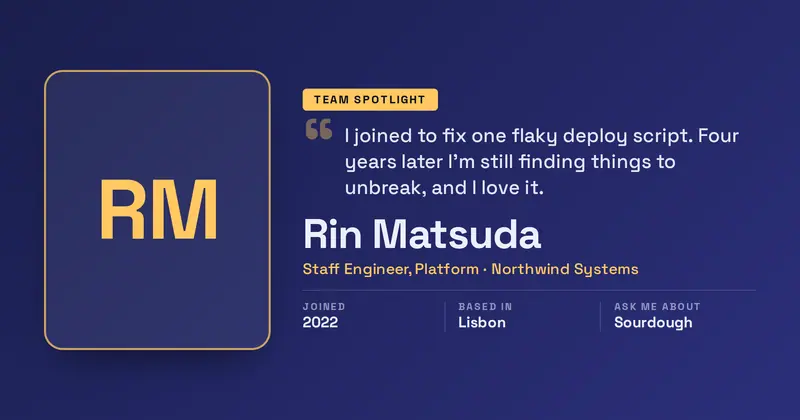
Employee Spotlight
A team-member spotlight: a large headshot beside the person's name, role and tenure, a pull-quote set against an oversized quote mark, and up to three “label | value” facts.
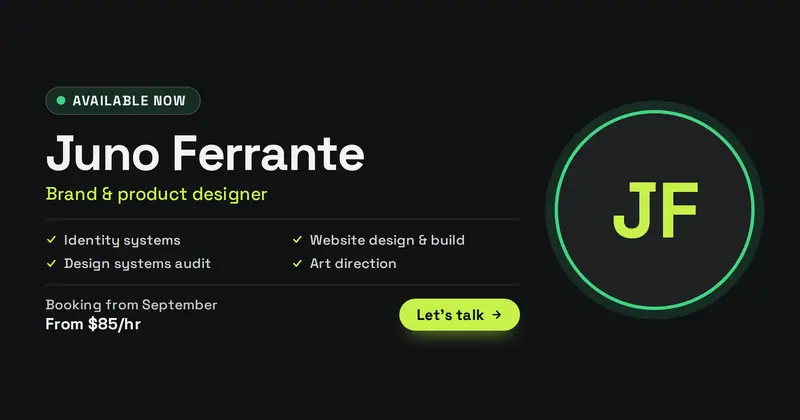
Available for Work
A freelancer's availability card: a status pill whose dot colour is read from the status word, the name and discipline, a services list, booking window and starting rate beside a headshot.
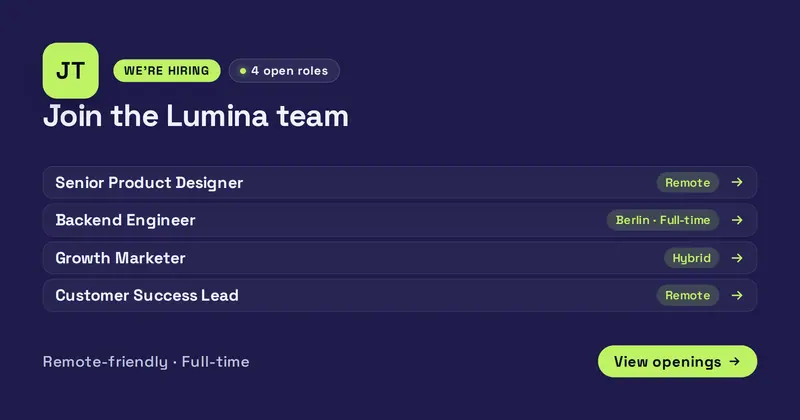
Open Roles
A we're-hiring card listing multiple open positions: a company logo, an eyebrow pill and a content-derived "N open roles" count chip, a big headline, and up to five "Role | location/type" rows above a note and a call-to-action pill.
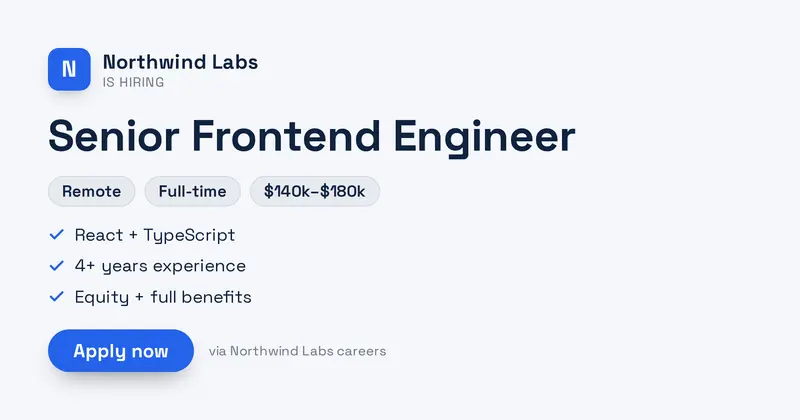
Job Posting
A job posting card: a company lockup (your uploaded icon/logo, or a letter-mark fallback), a big role title, a meta row of pills (location, type, salary), a short list of highlights, and an Apply CTA.
Open to Work
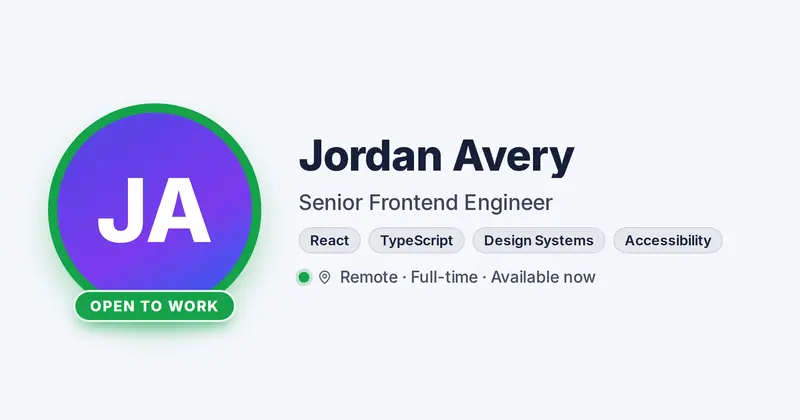
A candidate availability card: a circular headshot ringed in green with an "Open to Work" badge along its lower edge, beside the person's name, professional role, a row of skill chips, and a detail line with a live availability dot.
We're Hiring
A bold 'we're hiring' announcement: a hiring badge, a big statement, a list of open roles as pills, a perks line, and a see-roles CTA.