Editorial template
How-To Open Graph image template
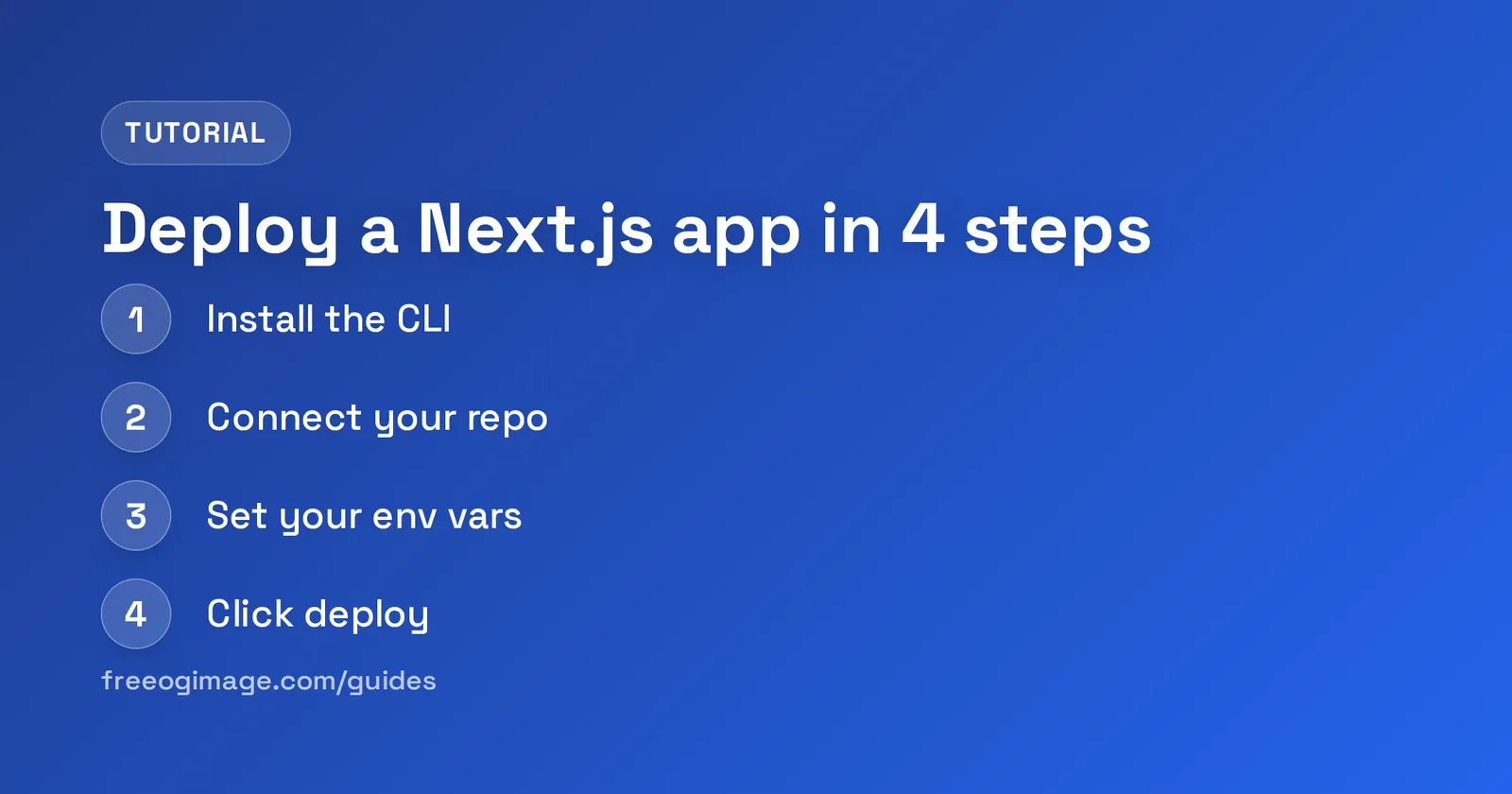
A numbered step-by-step tutorial card: an eyebrow, a title, and up to four numbered steps in a vertical list, with an optional footer.
It's built for the standard 1200×630 (1.91:1) share card and exports at 2× (2400×1260) for high-DPI screens. Customize the text, colors, fonts, and logo in your browser, then download a PNG — free, no signup, nothing uploaded.
3 ready-made presets
Each preset is a one-click starting look for the How-To template — a different color and type combination you can still fully edit.
What you can edit
The How-To template has 4 editable content fields. Recommended lengths keep your copy inside the safe area so nothing clips when the card is cropped.
| Field | Type | Max length | Example |
|---|---|---|---|
| Eyebrow | Single line | 24 chars | Tutorial |
| Title* | Multi-line | 64 chars | Deploy a Next.js app in 4 steps |
| Steps | Multi-line | 200 chars | Install the CLI Connect your repo Set your env vars Click deploy |
| Footer | Single line | 40 chars | freeogimage.com/guides |
* required field. Tip: keep your “Title” short and punchy — the shorter the copy, the larger and more legible it renders in the feed.
Styling you control
Beyond the words, the How-To template lets you tune:
- Background color & style
- Gradient fills
- Grid & pattern overlays
- Fonts, size & alignment
- Logo placement
- Platform size switching
- Film-grain / noise
- Vignette
When to use it
The How-To template lives in the editorial collection — articles and features with magazine-grade typography. Reach for it specifically when one of these fits:
- A long-form article or essay
- A magazine-style feature
- A breaking-news or press card
- A listicle or guide
See the full editorial template collection.
More editorial templates
Make your how-to card now
Free, private, and 100% in your browser — no signup, no watermark, nothing uploaded.
Open in the editor